For now, this web integration is only available for books. But we are already working on expanding our range of integrations to include automatic citations for web sources, journal articles, movies and much more!
Take Bibcitation to-go with our new website integration
Add Bibcitation to your organization website and take advantage of our stunning interface and latest reference software. For free.
Our integration lets your users create citations in one click — with a bite-sized button that will seamlessly fit into your website page.
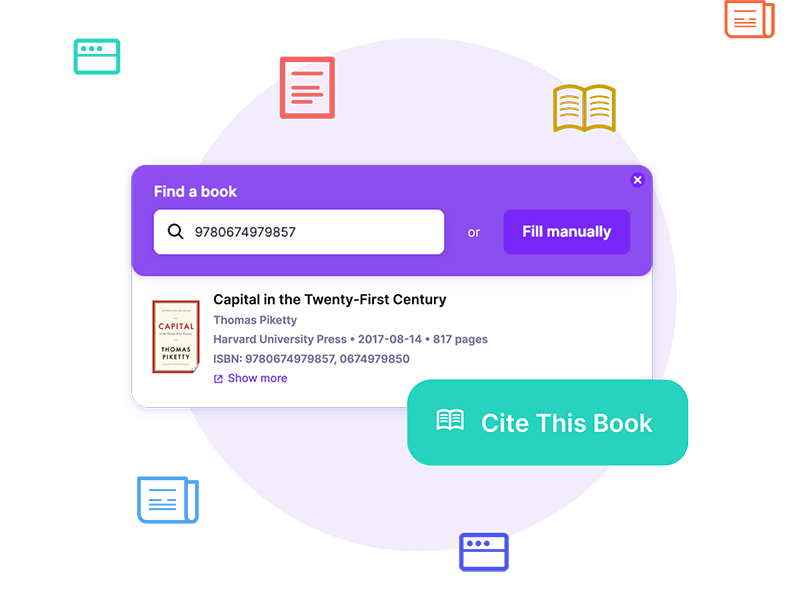
Trusted by top universities





Book a free demo session
Schedule a Bibcitation demo to see why thousands of university students are already creating references with us. We can't wait to show you around!
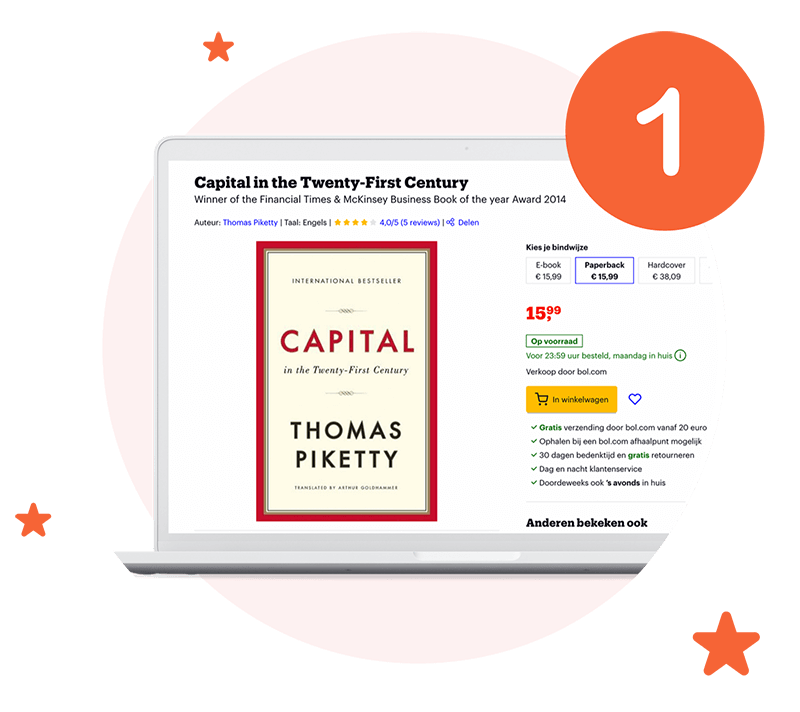
Pick a source you want to cite on your website
There are 130 million books in the world. And yes, Bibcitation can cite all of them, in over 9 thousand formats! Choose your book and set up the integration to create your citation.
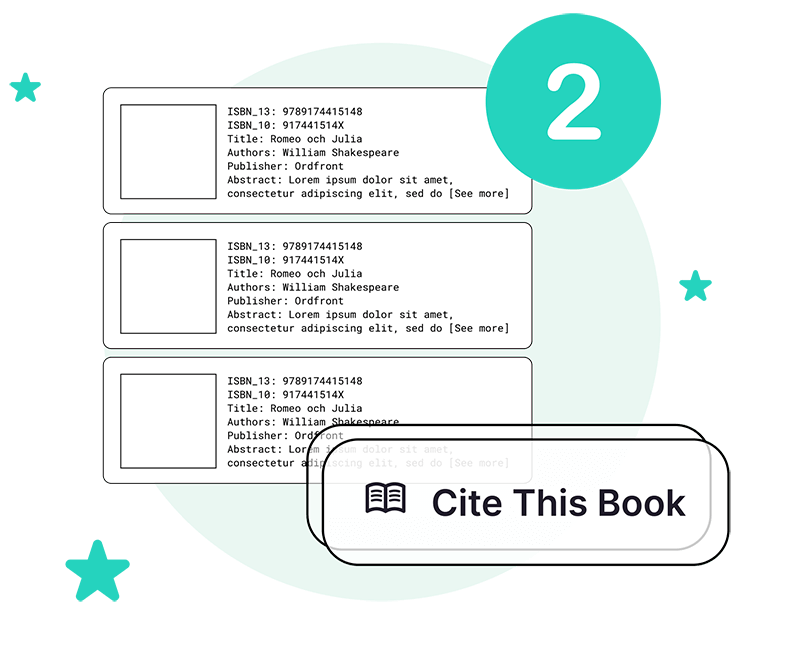
Add our magical citation button to your site code
We know you've spent thousands of dollars on branding, so our citation feature will seamlessly integrate into your user interface. Use custom code to <style> your citation button — no questions asked.
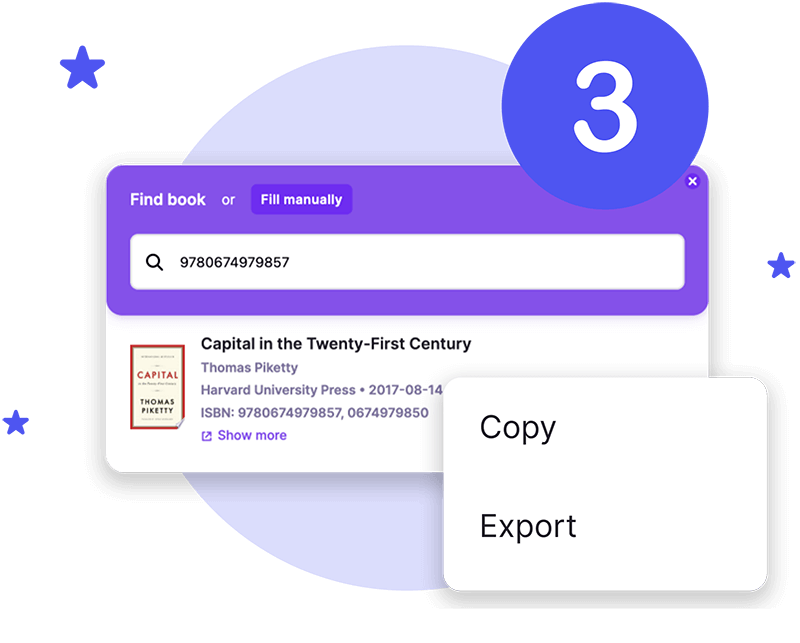
Sit back, relax and let our citation tool do the work
With one click of a button, users can now create citations for your sources, add references to their project or bibliography, and export sources as a part of their citation list.
Oh, and did we mention that it's free?
Add the button to your page
Fetch ISBN codes for all the sources you want to cite. We decided to use Capital by Thomas Piketty with the following ISBN number:
ISBN: 978067497985Copy the link below and replace "xxxxxx" with your custom ISBN:
https://www.bibcitation.com/?type=book&query=xxxxxxNow code your citation button. Below we used the <button> tag, but you are free to choose any programming language you see fit.
<button onclick="window.location.href='link';"> text </button>All done. Time to add your link to the button code on your website!
href='https://www.bibcitation.com/?type=book&query=9780674979857'Frequently Asked Questions
Yes! You can add all of Bibcitation integrations to your web pages free of charge.
Whether you are a book publisher or a journalist, there are dozens of reasons why your users might want to create a citation on your website. If your line of work involves books, then our citation integration will become a useful addition to your website!
1. First, fetch ISBN codes for all the sources you want to cite. In this example. we're using Capital by Thomas Piketty with the following ISBN number: 978067497985.
2. Then, copy the link below and replace "xxxxxx" with your book's ISBN number:
https://www.bibcitation.com/?type=book&query=xxxxxx
3. Okay, it's time to code a custom citation button for your website. Here, we're using the <button> tag, but you're free to choose any programming language you see fit.
<button onclick="window.location.href='link'"> text </button>
4. All done. Now all you have to do is to add the link you generated during the second step to the button code on your website!
<button onclick="window.location.href= 'https://www.bibcitation.com/?type=book&query=9780674979857'"> text </button>
Coming soon! Our citation generator integration is scheduled for release in May 2023.
Bibcitation offers a whole ecosystem of cutting-edge citation tools. In addition to our citation generator website, we offer a Bibcitation Add-on for Chrome, a Bibcitation Extension for Google Docs, and a Bibcitation Add-in for Microsoft Word.